← Home

Hypershadow · 2025—2026

Hypershadow

Give existing software
a new way to act.

Agents inside existing software.
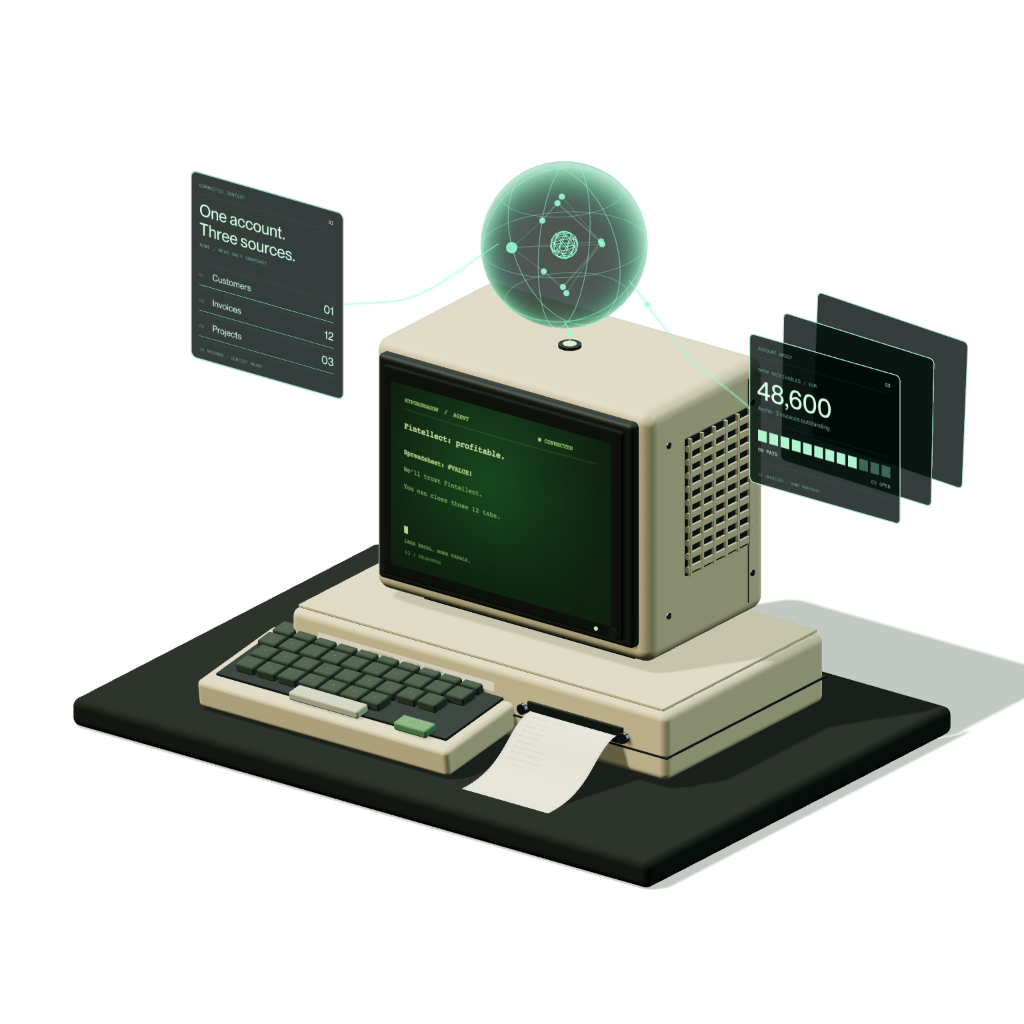
Hypershadow isometric instrument with a terminal and holographic intelligence
Drag to view
Role
Co-founder
Chief Product Officer
Scope
Product architecture
API & interaction workflows
Product
Embedded AI agent
for B2B software
Platform
Widget · Builder
Connector · Playground

Top 100 EU startups

1991 Accelerator × EBRD · graduates

Let an agent act inside the software people already use.

Hypershadow is for teams that run B2B software with an API. Their product already defines what a user can do. Hypershadow imports that API, lets the team approve the operations an agent may call, and embeds a chat widget where the agent performs them with the signed-in user’s own access.

Import an OpenAPI file, select the endpoints, connect a model and test the agent in the widget. The diagram shows how the pieces connect.

From an API definition to a controlled agent inside the product An OpenAPI file is imported and approved as tools. A semantic index supports search, while operation schemas define parameters and responses. The runtime uses this context and a connected language model to process chat requests. It validates actions and calls the host API using the signed-in user's session. The themed widget is embedded in the host product. HOST PRODUCT HYPERSHADOW MODEL CONNECTOR WIDGET OPENAPI FILE API definition HOST API Existing endpoints Actions use the current user’s access rights. PRODUCT UI Widget inside the host app SIGNED-IN USER SESSION IMPORT Parse the API definition and review its endpoints APPROVED TOOLS Allowed endpoints · parameters · confirmation rules SEMANTIC INDEX Find relevant operations SCHEMA CONTEXT Parameters and responses AGENT RUNTIME Search → validate → confirm when required → call Return the result and action trace to the conversation CONNECTED LLM Provider + model settings OPENAI CLAUDE GEMINI MISTRAL GROK GLM WIDGET SETTINGS Theme · states · placement CHAT UI Questions · confirmations Answers · action traces EMBED THE WIDGET IN THE HOST PRODUCT
01 / How it worksApproved endpoints become tools with explicit schemas. The runtime pairs them with the selected model, validates each action and calls the host API with the user’s session. The themed widget carries the conversation inside the product.
What the system of action has to keep

Turn existing software into a system of action.

  • Keep the user’s rights and access

    The agent calls the host API with the signed-in user’s session. It can do what that person can do and nothing more. A call the API refuses comes back as a refusal, not as a guess.

  • Store what happens in the system

    Conversations, tool calls, parameters and responses are kept with the integration. The team can open an exchange later and see what was asked, what was called and what came back.

  • Show it in an interface people understand

    The widget lives inside the product, in its theme, with loading, conversation and failure states designed as one configuration. The user sees an action and its result, not a log.

  • Control cost and effectiveness as part of the system

    Each request records the model, its token use and the outcome of the actions it triggered. Teams compare models and settings on the same conversation and decide what an action is worth.

Configure the states people will see.

The widget builder holds loading, conversation and failure states in one configuration. Pick a state, edit its appearance and text, and preview it beside the chat. Agent identity, model and tools sit in the same workspace, so a change is tested in context.

02 / Interface builderWidget configuration with sample Acme SaaS data. Change the theme, state or message styling and watch the chat beside it.

Turn the API into a set of approved tools.

Import an OpenAPI file, set the host and headers once, and every endpoint appears with its method. The team decides which endpoints the agent may call and which changes need a confirmation in the chat before they run.

Tools tab · the tabs inside work too
03 / Swagger integrationOne integration per API: host and headers, the imported endpoint list where each endpoint opens into Basic, Parameters and Response, and a graph of tags, endpoints, schemas and parameters built from the same file.

Change the model without rebuilding the agent.

Each provider has its own form for model identifiers, credentials and generation settings. Tools and the widget are configured separately, so moving from one model to another is a settings change, not a new integration. Select a provider to see its form.

AI Models tab
04 / Chat modelsSeparate configuration forms for OpenAI, Claude, Gemini, Mistral, Grok and GLM. Select a tab to compare the settings.

Test the action, not only the answer.

A plausible answer does not show whether an action succeeded. Developer mode lists the steps behind a response: tool calls, token use and error details. The same conversation can be read as a developer or as the end user sees it.

05 / Agent playgroundSample API responses only, no live customer data or model calls. Open a trace step, compare token use and see the refused folder rename with its 403 error.

Take the product from customer need to something teams can test.

As co-founder and CPO I connected customer discovery to product scope: what an agent may do, how a team configures it and how they verify its behaviour. The embedded screens are interactive demonstrations built on the product frontend.

hypershadow TechChill · on stage
The Hypershadow pitch on the TechChill stage.

More products